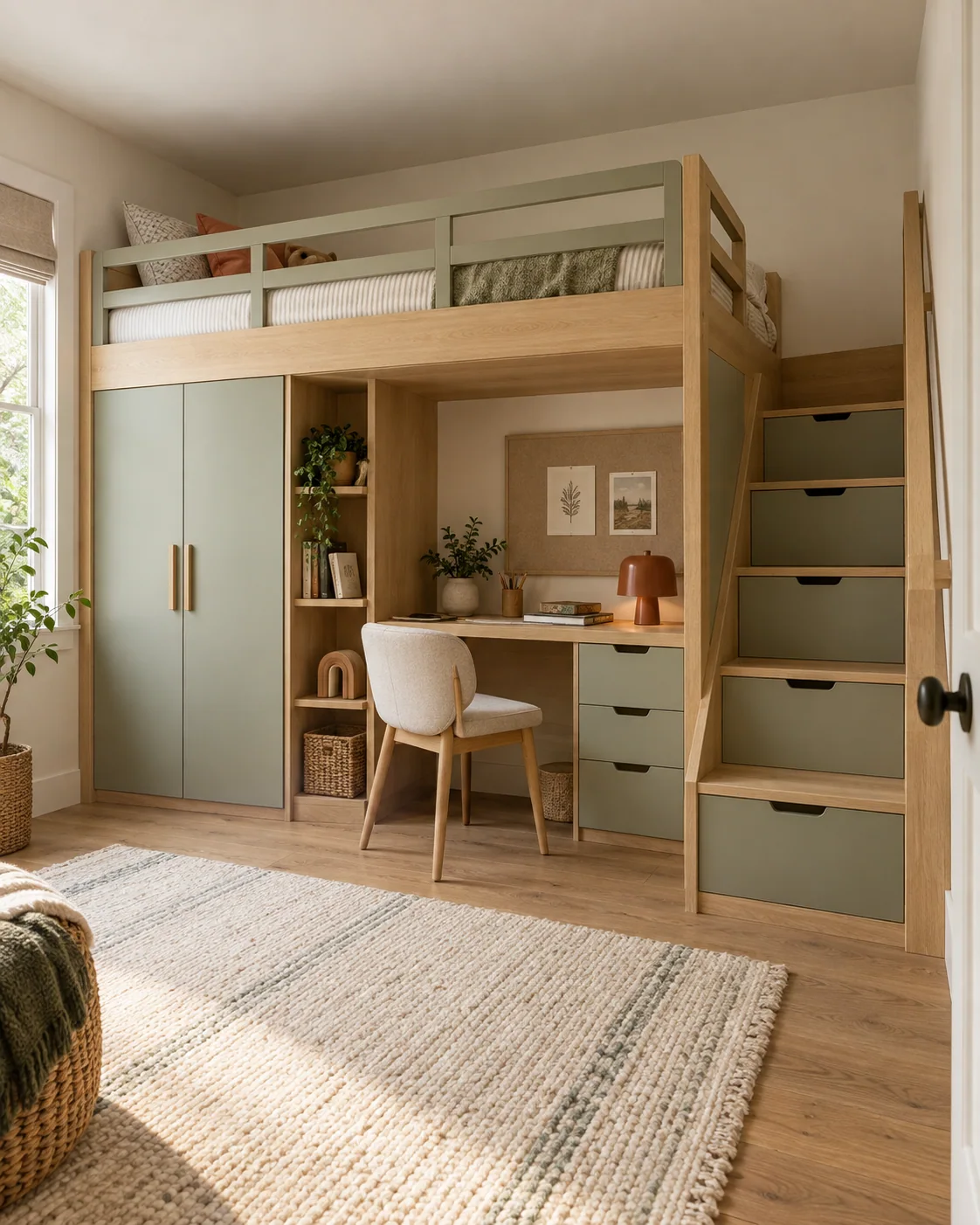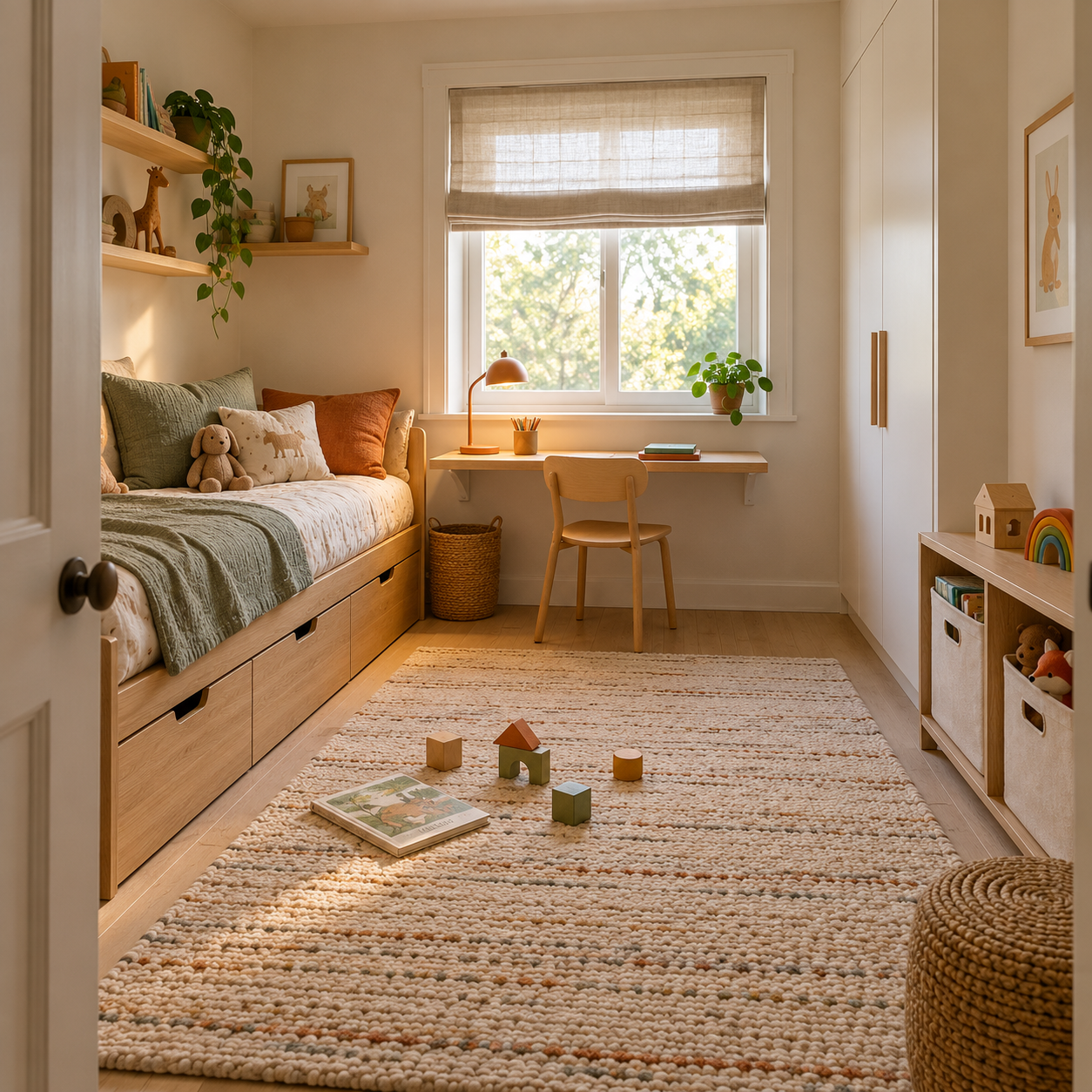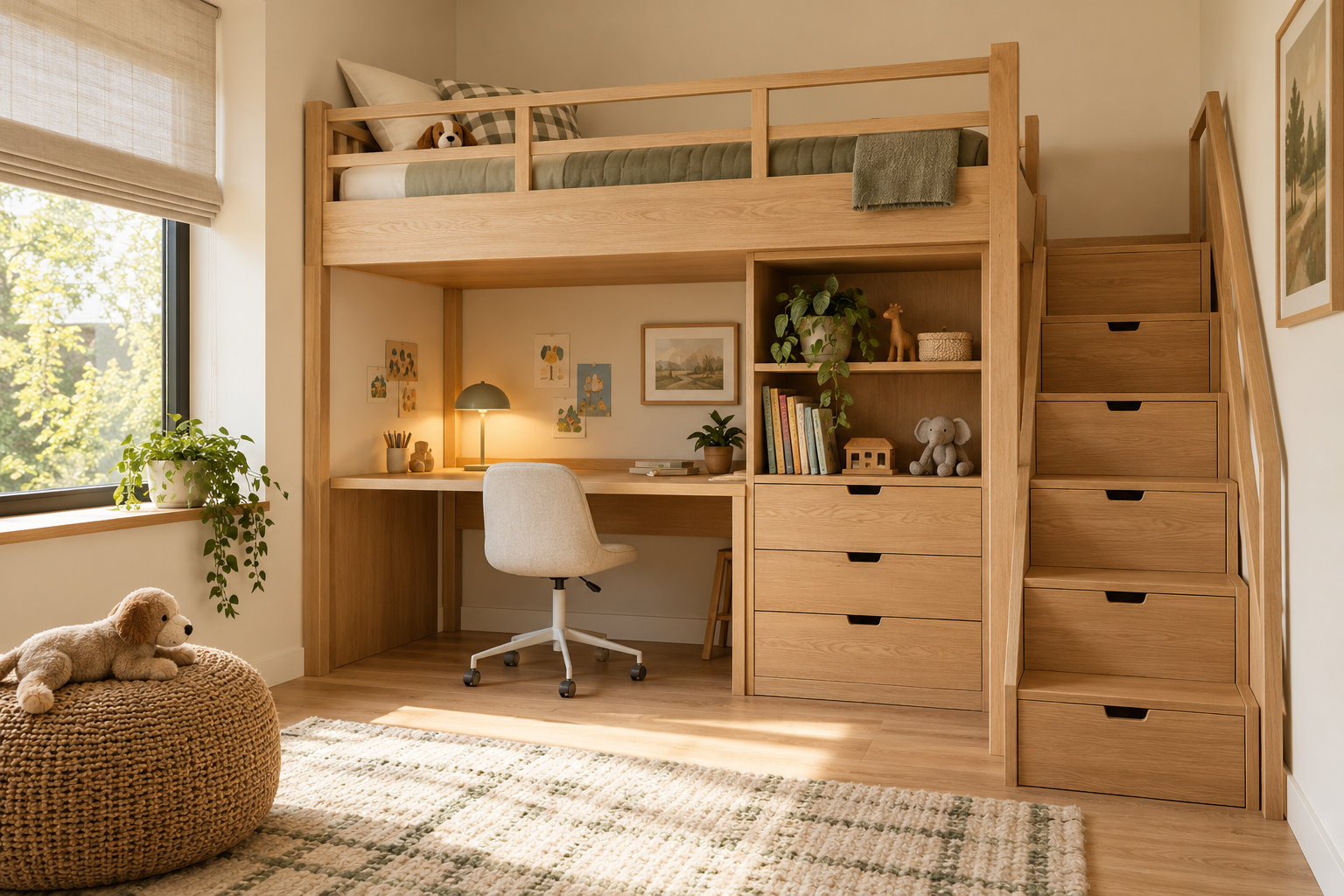
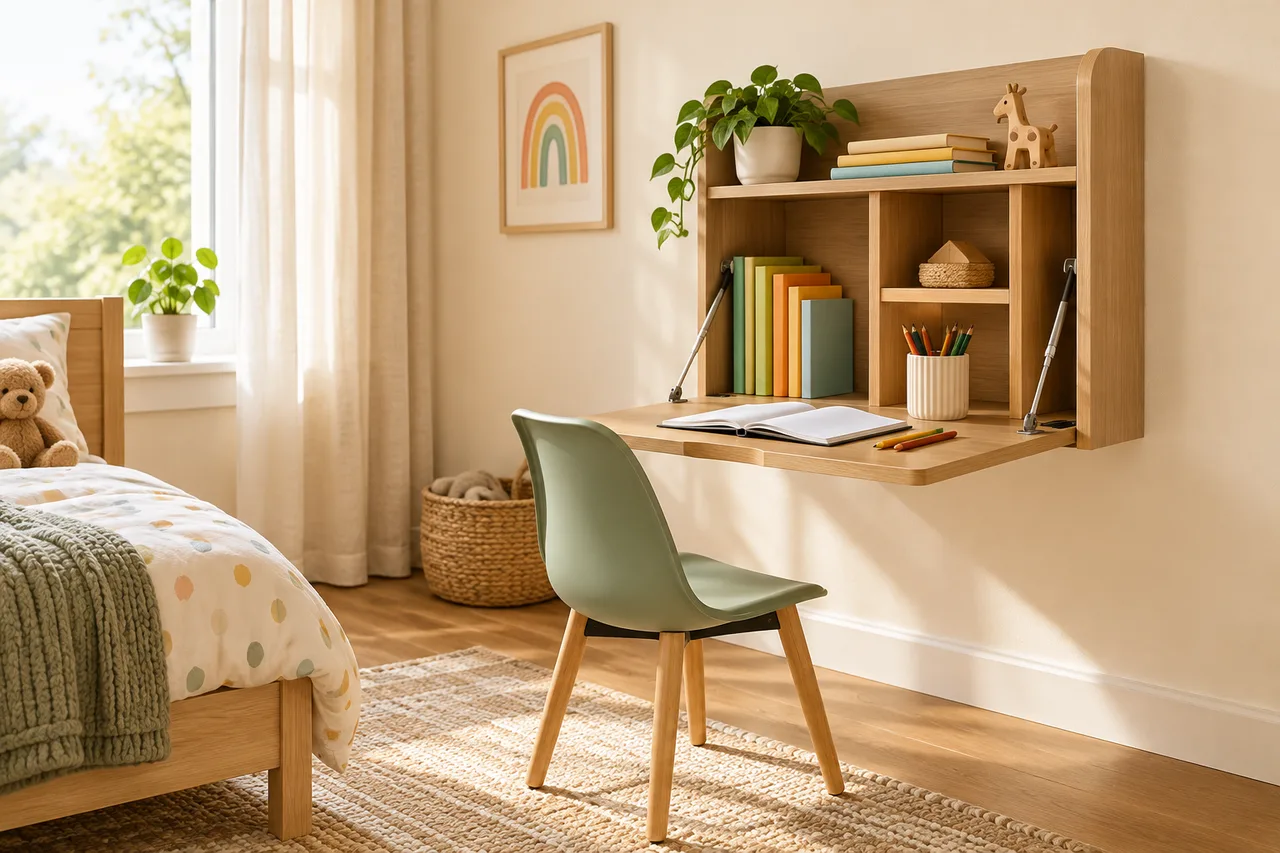
A practical homework corner does not require a large room or a permanent desk. It needs a stable work surface, a seat that supports the child, enough light to read without fighting glare, and a route for power cords that does not cross the floor. The child should be able to reach everyday supplies without climbing or twisting around the chair.
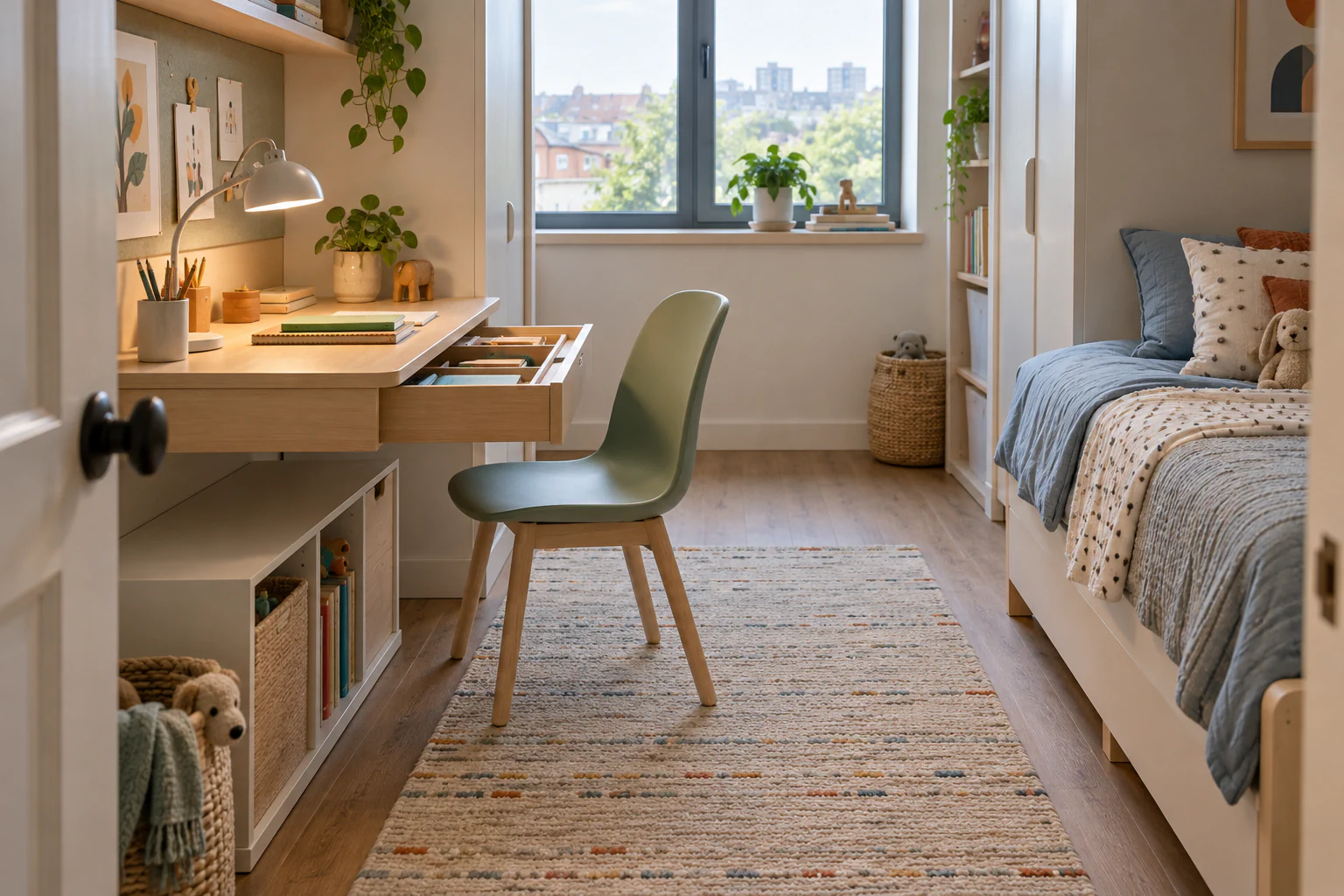
Start by testing the setup with the child seated. A desk that fits the wall but leaves feet dangling, shoulders raised, or a drawer trapped behind the chair is not a good fit. In a small room, the occupied footprint matters more than the closed footprint.
Quick plan: measure the full working footprint
Use this sequence before moving furniture:
- Mark the desk, chair pullback, leg space, open-storage reach, and walking route with tape.
- Test the setup with a book, writing tools, and the device used for schoolwork.
- Check daylight, task-light glare, outlets, cables, and nearby doors or drawers.
- Give daily supplies a small reachable home and move reserve items elsewhere.
- Define a two- or three-action reset for the end of homework.
Choose a location that protects the room's main route
List the places where homework could happen: a shallow bedroom desk, a fold-down surface, a console, or a shared table elsewhere in the home. A permanent bedroom desk is useful only if it remains comfortable, well lit, and easy to reach.
Avoid a position that blocks a door, closet, heater, vent, bunk-bed ladder, or the main route to the bed. Mark the desk and the pulled-out chair with painter's tape. Then open nearby drawers and doors. If the child must push the chair away whenever someone enters the room, use a shallower surface or another location.
A wall-mounted surface can protect floor space, but the wall, fasteners, installation method, and listed load all matter. Follow the maker's mounting instructions. For the product decision, use the wall-mounted desk guide; for the full room sequence, use the sleep, study, and storage zoning guide.
Measure the desk, chair, and open-storage zone
The working footprint has three states: closed, in use, and reset. A fold-down desk may look compact when closed but require chair space, elbow room, and a clear opening arc when used. A drawer unit needs clearance for the drawer and for the child using it, not just space for the cabinet.
| State | Check before committing |
|---|---|
| Closed | Does the furniture leave the door, bed, closet, and route usable? |
| Working | Can the child sit, reach supplies, open drawers, and stand without collision? |
| Reset | Can books, tools, chair, and unfinished work return without spreading into the sleep zone? |
Protect enough leg and foot space for the child; place bins, a computer case, or archived schoolwork elsewhere if they crowd that space. Clear leg space lets the child move close to the page or keyboard instead of leaning forward. Keep the most-used items near the front of the work area so the child does not have to reach across a lamp or twist toward a side shelf.
Fit the work surface and chair to the child
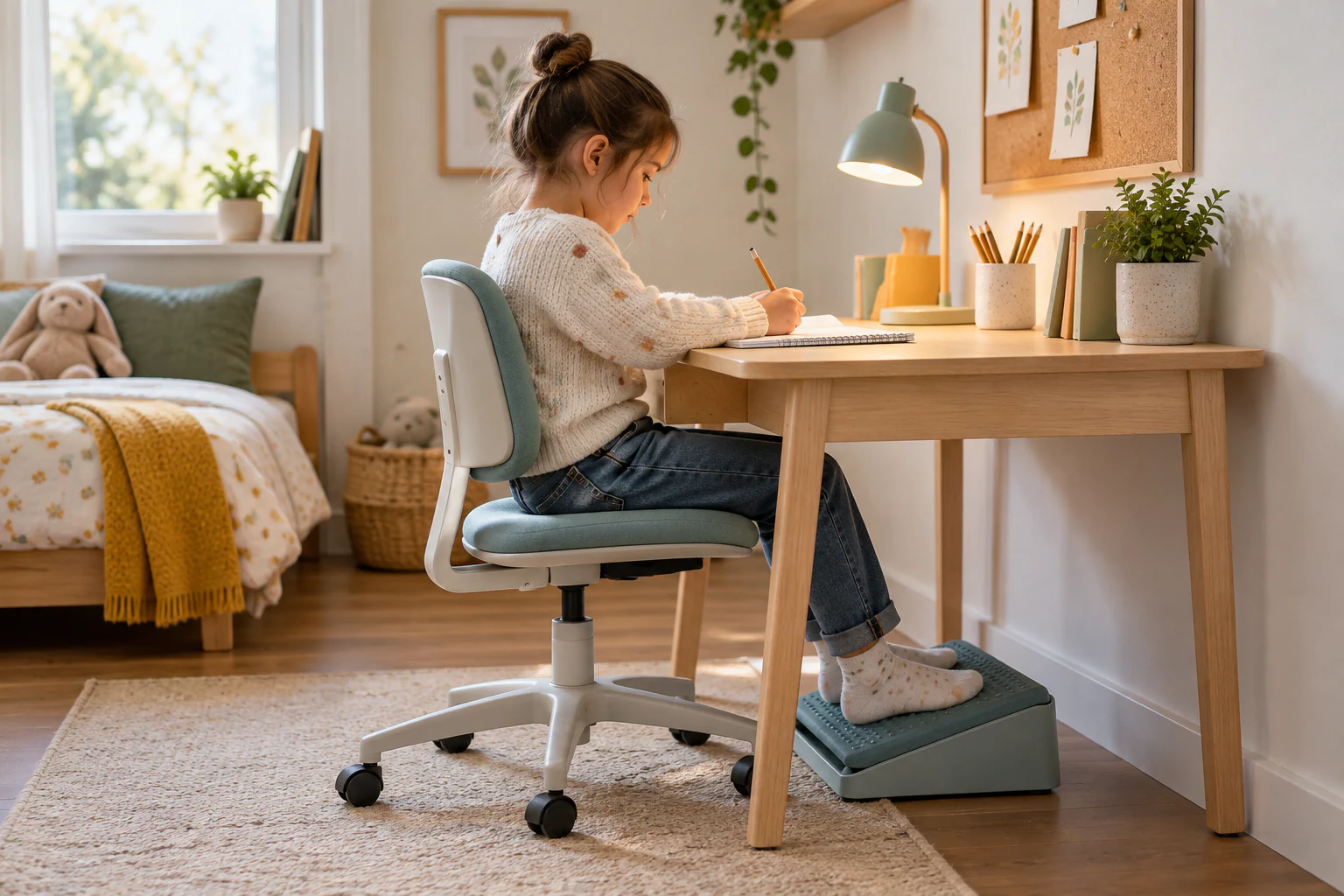
Ask the child to sit down, open a book, write a few lines, and use the device normally used for schoolwork. Look for these signs:
- the back has support rather than hovering forward;
- both feet rest on the floor or on a stable foot support;
- shoulders stay relaxed instead of lifting toward the ears;
- elbows remain near the body and wrists stay fairly straight;
- the child can see the page or screen without repeatedly bending the neck;
- knees and feet have clear space under the work surface.
These are fit checks, not fixed furniture dimensions. Children grow, and two children of the same age may need different chair, foot-support, or screen positions. OSHA's computer-workstation guidance is written for adult workplaces, but its neutral-posture checks provide a useful starting point. It is not a child-specific ergonomics standard; if a child has pain, a disability, or specialized seating needs, use guidance from the child's qualified health or school support professional. Recheck the setup after a growth spurt or when the main device changes.
If the desk height is fixed, adjust the chair so the child can work without lifting the shoulders. When that leaves the feet unsupported, add a stable foot support on a nonslip surface, follow its instructions, and keep it from being used for climbing. Do not solve a poor fit with a stack of loose books or boxes.
Control glare and add focused task lighting
Use daylight when it is comfortable, but do not assume a desk must sit directly under a window. A screen facing a bright window or reflecting a lamp can be difficult to see and may cause the child to lean or turn away from the glare.
Place a stable task light so the page is evenly visible and the bulb is not in the child's direct line of sight. Check the setup in the afternoon and after dark, because the useful position may change when daylight disappears. For screen work, place the main screen in front of the child and adjust it until the child can look at it without lifting the chin or bending forward. OSHA's workstation-environment guidance recommends arranging windows, overhead lights, and task lights to reduce glare.
Keep a lamp away from bedding, curtains, paper piles, and the edge of the desk. Follow the lamp maker's clearance, bulb, and placement instructions.
Route cables away from walking and climbing paths
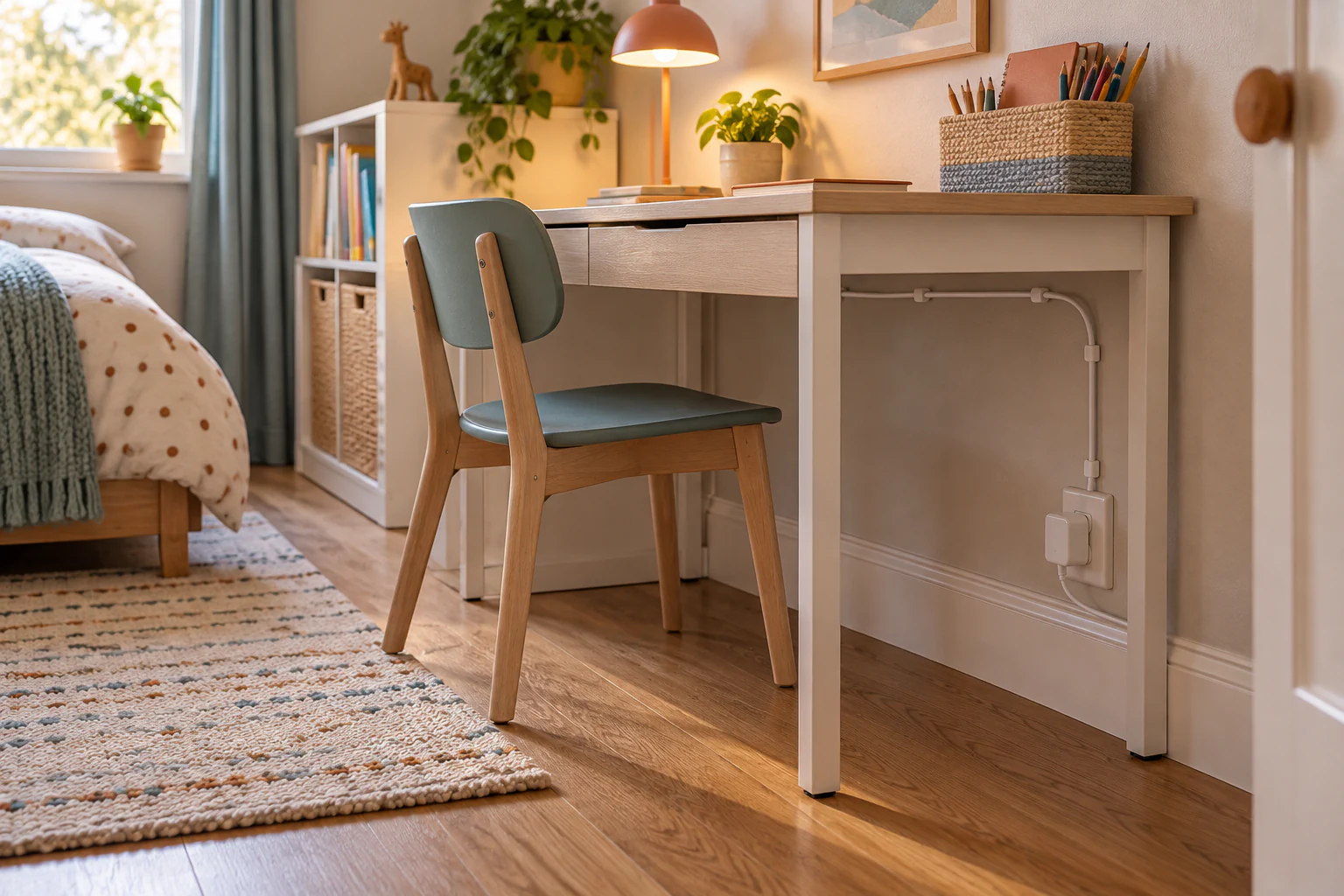
Plan the electrical path before deciding where the lamp or device sits. A charging cable should reach the work surface without crossing the chair path, hanging from the desk edge, or passing through a bed or ladder zone.
The CPSC recommends outlet covers or outlet plates that young children cannot easily remove and notes that no safety device is completely childproof. Its childproofing guidance also recommends following installation instructions carefully.
Do not hide an extension cord under a rug, overload it, or use a damaged cord. CPSC's extension-cord guidance advises keeping cords from dangling where they can be pulled or tripped over and using extension cords only when necessary, not as a permanent substitute for adequate wiring.
Keep one active set of supplies within reach
Give the homework corner one small active-supply zone: current notebooks, writing tools, and the device or charger used that week. Put these items where the child can reach them while seated or with both feet on the floor.
Move bulk paper, archived work, and occasional craft supplies to separate storage. Heavy objects belong low, while adult-managed materials can use higher storage. If a bookcase, drawer unit, or shelf can tip or invites climbing, follow the manufacturer's anchoring instructions and the wall requirements. CPSC's Anchor It guidance recommends securing top-heavy furniture and removing tempting objects from furniture tops.
For container depth, opening clearance, and child access, use the kids' room storage comparison.
Separate homework from sleep with a simple reset
A dining table or console can be a valid homework corner when a permanent desk would crowd the bedroom. Keep the active supplies in one lightweight caddy or tray, use the same chair and foot support when possible, and choose one nearby place for unfinished work.
The U.S. Department of Education's archived homework guide recommends a regular place with suitable lighting and needed supplies; treat that advice as a routine aid, not a guarantee of grades or concentration.
Define the reset before homework begins: close the device, return tools to the caddy, remove paper from the floor, and move the chair back without blocking the room. In a shared bedroom, coordinate desk time and personal storage with the shared-room zoning guide.
Test the setup for one school week
Use the corner through real mornings, homework sessions, device charging, and bedtime. Note where the chair collides, which supply gets left on the floor, whether the light becomes uncomfortable after dark, and whether the route remains open when the desk is in use.
Change the smallest thing first: move the active caddy, adjust the lamp, reroute a cable, or swap the foot support. If the same problem returns for several days, the working footprint is wrong even if the furniture looks tidy when unused.
Small homework-corner mistakes to avoid
- Buying by desktop width without counting the pulled-out chair.
- Raising the chair without supporting the child's feet.
- Filling the knee space with storage bins.
- Placing a screen where a window or task light creates glare.
- Running a charging cable across the walking or chair route.
- Treating a folding desk, shelf, or tall storage unit as safe without following its mounting or anchoring instructions.
- Keeping every school supply at the desk instead of separating active and reserve materials.
The takeaway: plan the space in use
Fit the homework corner to the child in use, not to an empty wall. Check support, reach, light, cords, chair pullback, and the room's walking route before adding storage. A small portable setup that resets cleanly can work better than a permanent desk that fits the wall but crowds the child or blocks the room.
AptNook Tips
- Mark the chair in both its tucked-in and pulled-back positions when taping the footprint.
- Label one tray “active work†so unfinished pages do not spread across the sleep zone.
- Recheck chair, foot support, and screen position after a growth spurt or device change.
- Photograph the checked cord route before moving the desk so the same setup is easy to recreate.
- Keep desk-mounting instructions and furniture-anchor details in one labeled household file.

David
Head of Editorial — AptNook
David oversees AptNook's editorial workflow, coordinating research, writing, and quality reviews to help readers make informed decisions about space-saving furniture and small-room solutions.